
On this page
What a kit is
A kit is a tool that other tools travel in: a gang box, a trailer, a job box. Pack tools into it, and moving the kit moves everything in it, each with its own history line. Tools in repair or missing keep that status.
See all kits under Admin → Kits: where each one is, how much is packed, what is not with it, and the value.
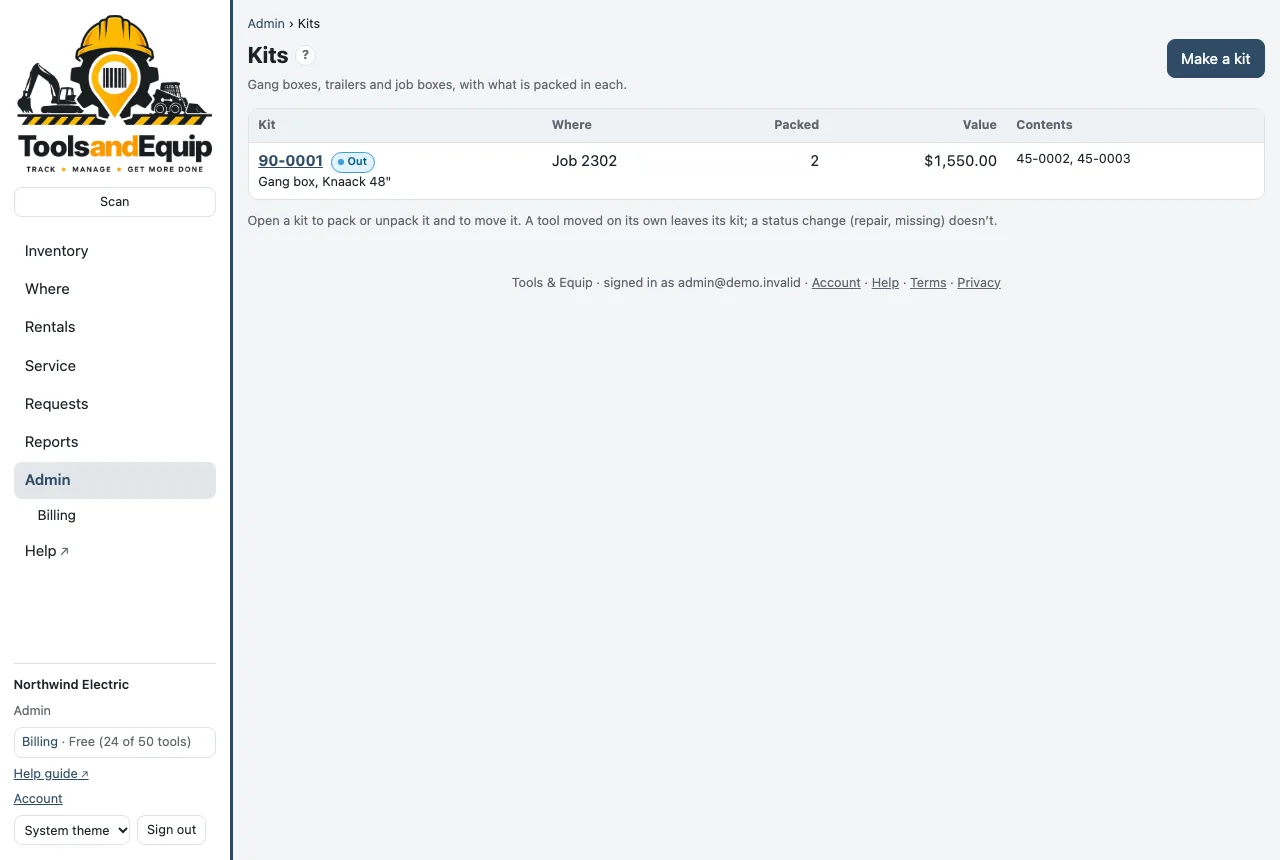
Make a kit
Who can do this Admin and Crib (the Kits right).
- The box or trailer needs its own tool number and label. Add it as a tool first if it isn't one.
- Open its tool page and press Make it a kit. Or on the Kits page, use Make a kit and pick it.
- In Kit contents, scan or type the numbers of the tools that go in it (separate several with spaces) and press Pack.
Change what is in it
- Take out beside a tool removes it from the kit. It stays where it is.
- Moving a tool on its own takes it out of its kit automatically.
- A tool that is packed but not where the kit is shows not with the kit.
- Unpack all empties the kit and stops treating it as one.
Audit a kit by scanning it: start an audit of the kit and scan what is inside. Tick "Scanning a kit counts what is in it" for a sealed box.